


1.添加备案信息
设置 –> 全局 –> 自定义内容
<style>
  .footer-link {
    text-align: center;
    padding: 1em 0;
  }
</style>

<footer class="footer-link">
  <a href="https://beian.miit.gov.cn/" rel="nofollow">浙ICP备2024088770号-2</a>
</footer>
将 浙ICP备2024088770号修改为自己的备案号
2.背景美化
设置 –> 全局 –> 自定义内容
<!-- OpenList 自定义美化代码 -->
<!-- 请将此代码复制到 OpenList 管理后台 -> 设置 -> 全局 -> 自定义头部 或 自定义内容 中 -->

<style>
    /* 设置背景图片 */
    body {
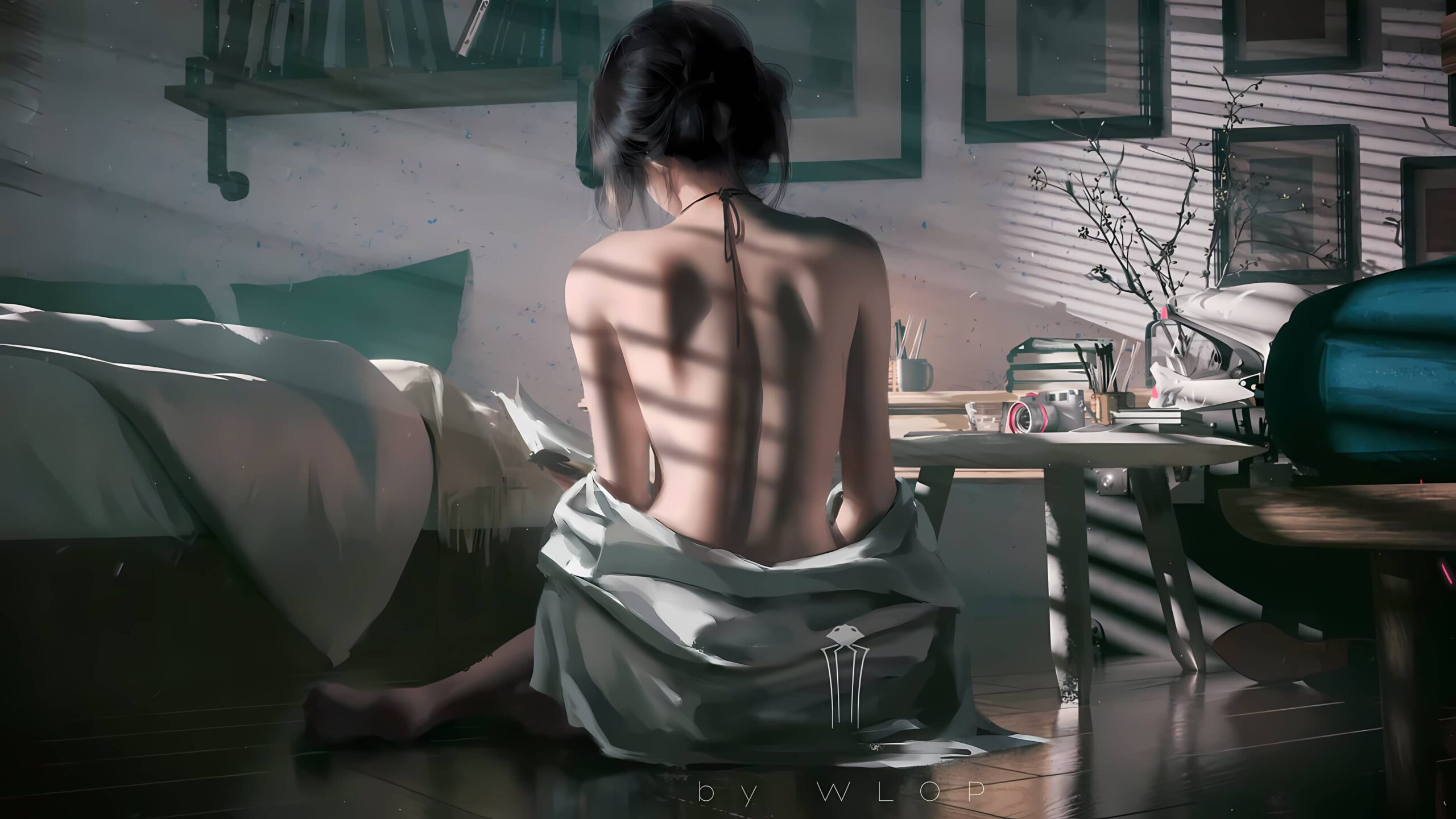
        background-image: url('https://image.tyzyj.cn/i/f5fd86b323ccab5f7b225a4d97cc725e.png') !important;
        background-size: cover !important;
        background-position: center !important;
        background-repeat: no-repeat !important;
        background-attachment: fixed !important;
        min-height: 100vh !important;
    }

    /* 设置主题背景透明 */
    .hope-ui-light,
    .hope-ui-dark {
        --hope-colors-background: transparent;
    }
</style>

<script type="module">
    // 包装历史方法以监听路由变化
    (() => {
        const wrapHistoryMethod = (type) => {
            const orig = history[type];
            return function (...args) {
                const rv = orig.apply(this, args);
                const event = new CustomEvent(type, { detail: args });
                window.dispatchEvent(event);
                return rv;
            };
        };
        history.pushState = wrapHistoryMethod('pushState');
        history.replaceState = wrapHistoryMethod('replaceState');
    })();

    // 美化器类
    class Beautifier {
        // 忽略的选择器
        static ignoredSelectors = [
            '.hope-tooltip',
            '.hope-tooltip__arrow',
            '.hope-checkbox__control',
            '.hope-modal__overlay',
            'button:not(.hope-menu__trigger)',
            'svg'
        ];

        static getSelector(mainSelector) {
            return `${mainSelector} :not(${Beautifier.ignoredSelectors.join('):not(')})`;
        }

        static lightSelector = Beautifier.getSelector('.hope-ui-light');
        static darkSelector = Beautifier.getSelector('.hope-ui-dark');
        static lightBgColor = 'rgba(255, 255, 255, 0.8)';
        static darkBgColor = 'rgba(32, 36, 37, 0.8)';
        static specificPrefix = 'rgba(132, 133, 141';

        constructor() {
            this.observer = null;
        }

        // 重写背景颜色
        #rewriteBgColor(theme) {
            let selector = theme === 'light' ? Beautifier.lightSelector : Beautifier.darkSelector;
            let bgColor = theme === 'light' ? Beautifier.lightBgColor : Beautifier.darkBgColor;

            document.querySelectorAll(selector).forEach(element => {
                const computedStyle = getComputedStyle(element);
                if (computedStyle.backgroundImage !== 'none') {
                    return;
                }
                if (computedStyle.backgroundColor !== 'rgba(0, 0, 0, 0)' &&
                    !computedStyle.backgroundColor.startsWith(Beautifier.specificPrefix)) {
                    element.style.backgroundColor = bgColor;
                    element.setAttribute('data-beautified', 'true');
                }
            });
        }

        // 美化函数
        #beautify() {
            if (!location.pathname.startsWith('/@manage') && !location.pathname.startsWith('/@login')) {
                this.#rewriteBgColor('light');
                this.#rewriteBgColor('dark');
            }
        }

        // 开始观察
        observe() {
            this.observer = new MutationObserver(this.#beautify.bind(this));
            this.observer.observe(document.getElementById('root'), {
                childList: true,
                subtree: true
            });
            this.#beautify();
        }

        // 断开观察
        disconnect() {
            if (this.observer) {
                this.observer.disconnect();
            }
        }

        // 撤销美化
        undo() {
            this.disconnect();
            document.body.querySelectorAll('[data-beautified]').forEach(element => {
                element.style.backgroundColor = '';
                element.removeAttribute('data-beautified');
            });
        }
    }

    // 创建美化器实例
    const beautifier = new Beautifier();
    window.beautifier = beautifier;
    beautifier.observe();

    // 处理登录页面
    (() => {
        function fixLogin(pathname) {
            if (pathname.startsWith('/@login')) {
                beautifier.undo();
            } else {
                beautifier.disconnect();
                beautifier.observe();
            }
        }

        ['popstate', 'pushState', 'replaceState'].forEach(eventType => {
            addEventListener(eventType, () => {
                fixLogin(location.pathname);
            });
        });
    })();
</script>为防止图片失效,请更换为自己的图片。把图片上传到图床:2013图床
本站收集的资源仅供内部学习研究软件设计思想和原理使用,学习研究后请自觉删除,请勿传播,因未及时删除所造成的任何后果责任自负。
如果用于其他用途,请购买正版支持作者,谢谢!若您认为「TYZYJ.CN」发布的内容若侵犯到您的权益,请联系站长邮箱:1394025921@qq.com 进行删除处理。
本站资源大多存储在云盘,如发现链接失效,请联系我们,我们会第一时间更新。
© ZB博客 - TYZYJ.CN
© 版权声明
文章版权归作者所有,未经允许请勿转载。
THE END






暂无评论内容